
Video to SRT — from public links
Convert video to SRT from one public TikTok or YouTube link, including YouTube Shorts. This is a link-based transcriber: it does not accept local video files or arbitrary video websites.
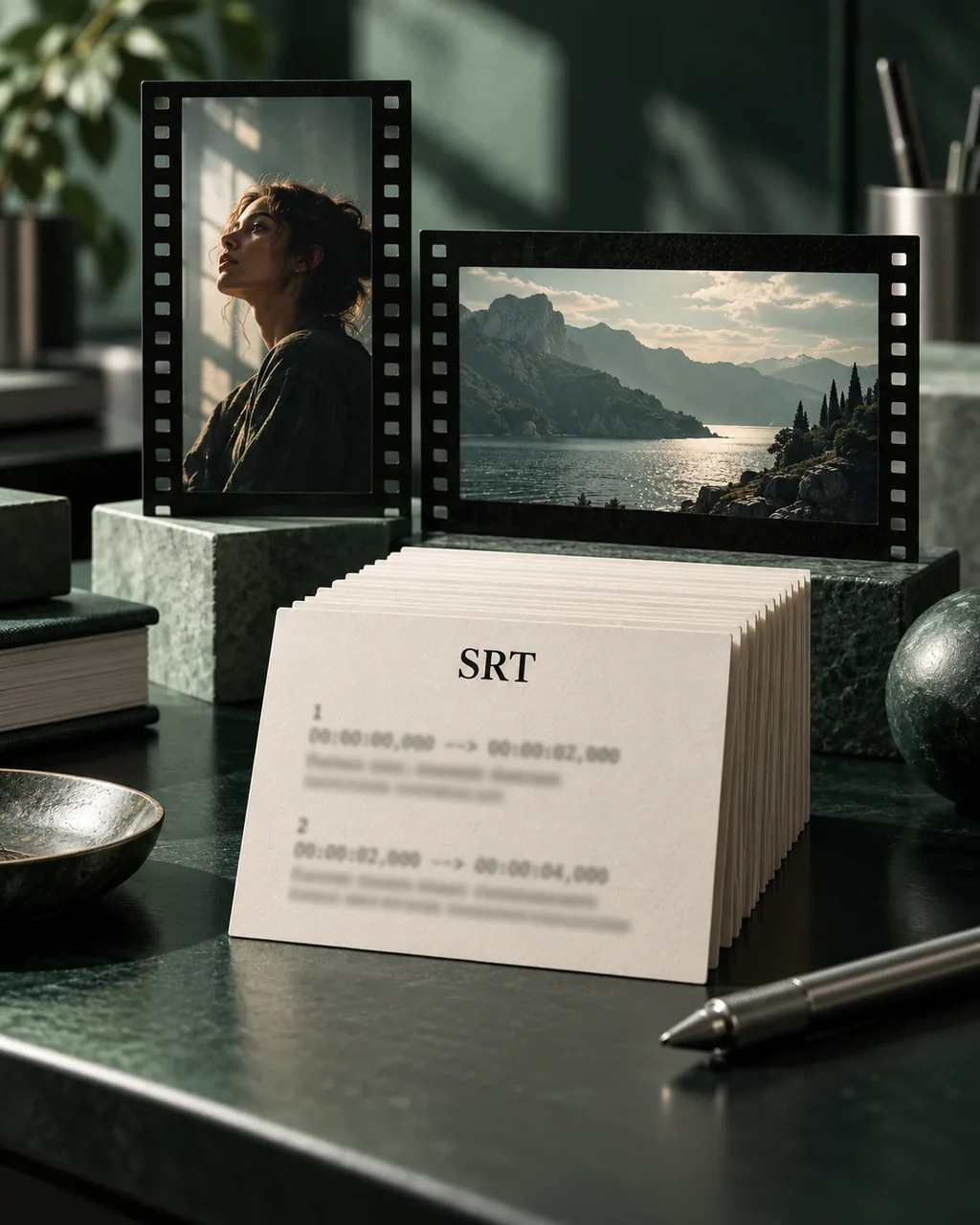
Video to SRT: supported input, separate output
The input is a public TikTok or YouTube URL. The output is a separate SRT file containing transcript cues and timestamps, not an edited video or a downloaded source video.
- Two supported platforms, one video at a time
- Paste a TikTok video, YouTube video or YouTube Shorts link. Local MP4 and MOV files, private links, playlists and batch uploads are outside this workflow.
- A plain subtitle handoff
- SRT stores numbered text cues with start and end times. It does not include fonts, positioning or animation; review the import and presentation in your destination tool.
Video to SRT example
See how subtitle timing and text are stored separately from video. Download this SRT sample to inspect the structure; switching formats does not create or render a video.
Illustrative speech
- 00:00:00.500
Begin with a wide shot of the workspace.
- 00:00:03.600
Move closer when you explain a small detail.
- 00:00:06.500
Leave a pause so the viewer can follow along.
Video subtitle sample
1
00:00:00,500 --> 00:00:03,300
Begin with a wide shot of the workspace.

2
00:00:03,600 --> 00:00:06,200
Move closer when you explain a small detail.

3
00:00:06,500 --> 00:00:09,400
Leave a pause so the viewer can follow along.
Illustrative text and timing written for this demo, not a user's result or a verified platform transcription. This sample does not verify compatibility with your video editor.
How to convert video to SRT from a link
Check the video source
Use a single public TikTok or YouTube video URL that you have the right to process. A local file or another platform's URL is not supported.
Review the transcript and times
Correct recognized words in each segment. Text editing keeps the returned cue times fixed; this tool does not offer a subtitle timeline.
Export SRT for your workflow
Download the separate subtitle file. Check its timing and your editor's SRT import behavior before using it in a finished video.
Only submit content you have the right to process. Review recognized words and timestamps before using or publishing the result.
Before you start
Can I upload an MP4 or paste a link from another site?
No. Only public TikTok and YouTube video links, including YouTube Shorts, are supported. There is no local file upload, general video URL fetcher or batch processing.
Does video to SRT produce a video with visible subtitles?
No. You receive a separate SRT text file with numbered cues and timestamps. It does not download the video, burn in captions or carry styling. Use a suitable video tool for rendering and check its import support separately.
What does the free trial include?
No signup is required for one attempt per IP address each UTC day, for a video up to five minutes. A failed attempt still uses that allowance. Signed-in users with credits use one credit per started minute, for videos up to two hours. Credit packs do not require a subscription.
How long can I reopen the result?
Anonymous results can be reopened in the original browser for 24 hours using the task link. Sign in and explicitly save the current result to add it to history. Signed-in trial results are accessible for seven days and paid results for 30 days. Download files you need before access expires; these are access limits, not a promise of immediate physical deletion.