TikTok transcript generator
Start your TikTok transcript with a public video link. Read its spoken words segment by segment, correct recognition mistakes, and keep the text or subtitle file you need.
A TikTok transcript you can check in context
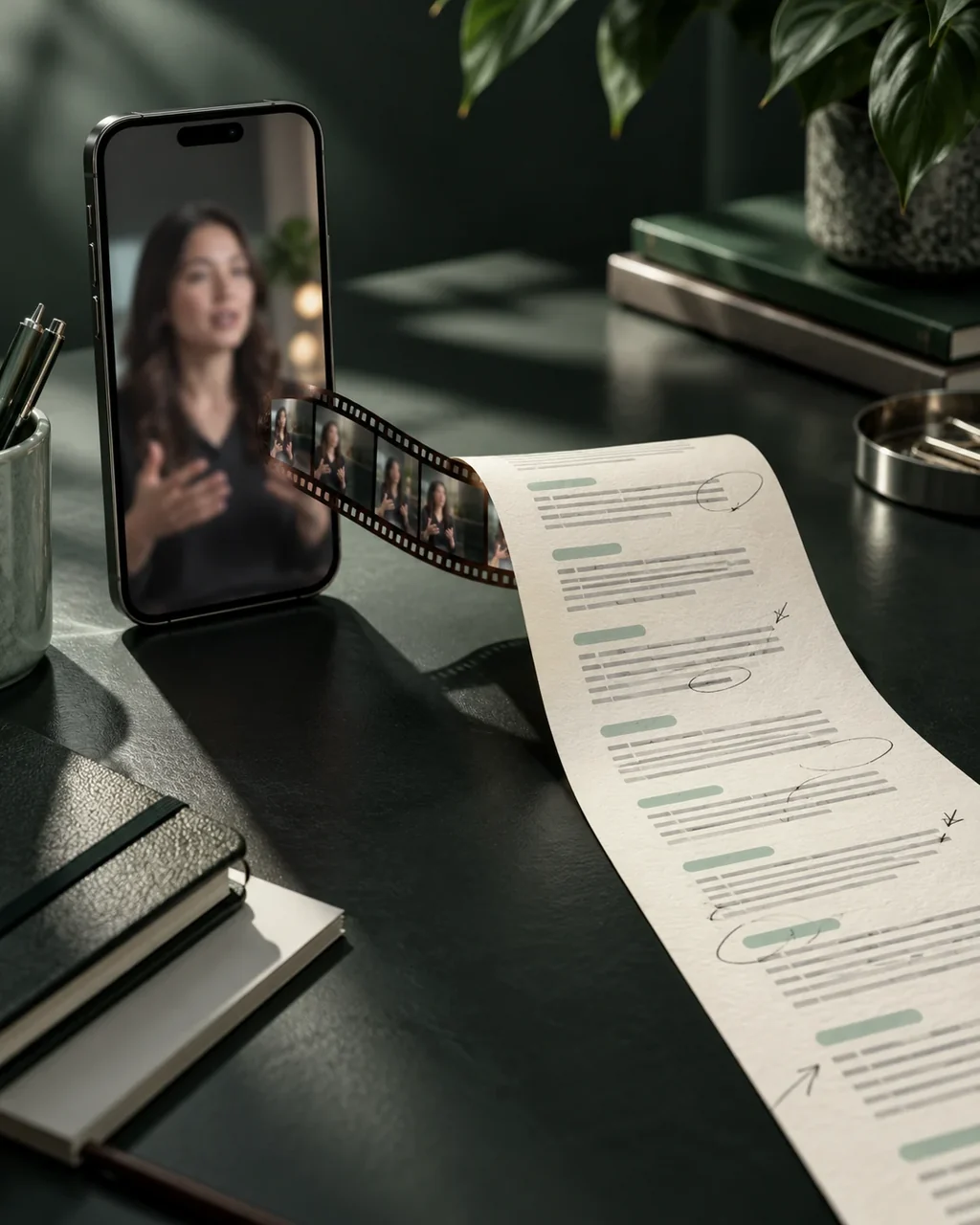
A transcript is easier to check when its segments stay beside their timestamps. Review names, numbers and punctuation before you reuse a quote or publish captions.
- Read speech, not every word on screen
- The workflow uses available captions or speech recognition. It does not read text overlays, slides or other visual text with OCR.
- One review, several outputs
- Copy the corrected transcript for reference, download TXT for a text file, or export timed SRT and VTT subtitles. Exports use the words currently shown.
TikTok transcript example
Read the sample segments, then switch formats to compare plain text with timed subtitle cues. Copy the words when you need a reference rather than a subtitle file.
Illustrative speech
- 00:00:00.000
Start your story with one clear idea.
- 00:00:02.600
Give the viewer a reason to keep listening.
- 00:00:05.400
Then end with something they can use.
TikTok transcript sample
1
00:00:00,000 --> 00:00:02,600
Start your story with one clear idea.

2
00:00:02,600 --> 00:00:05,400
Give the viewer a reason to keep listening.

3
00:00:05,400 --> 00:00:08,200
Then end with something they can use.
Illustrative text written for this demo, not a user's result or a verified TikTok transcription. Copy and download use only this sample; they do not submit a video.
How to get a TikTok transcript
Paste the public TikTok link
Submit one video at a time. The video must remain publicly available, and its length must fit your trial or credit allowance.
Check each segment
Review recognized words against the video and correct the text in place. Text changes leave the existing cue times unchanged.
Choose text or subtitles
Copy the transcript, or download SRT, VTT or TXT. Keep a local copy if you need the result beyond its access period.
Only submit content you have the right to process. Review recognized words and timestamps before using or publishing the result.
Before you start
Can I transcribe a TikTok without existing captions?
The service prefers available captions and can use speech recognition when captions are absent. A public link is required, but availability and recognizable speech still affect the result; not every video can be transcribed.
Does correcting a TikTok transcript change its timing?
No. You can change the words in each segment, but the existing start and end times stay fixed. Review both words and timing before publishing. This is not a timeline editor.
What does the free trial include?
No signup is required for one attempt per IP address each UTC day, for a video up to five minutes. A failed attempt still uses that allowance. Signed-in users with credits use one credit per started minute, for videos up to two hours. Credit packs do not require a subscription.
How long can I reopen the result?
Anonymous results can be reopened in the original browser for 24 hours using the task link. Sign in and explicitly save the current result to add it to history. Signed-in trial results are accessible for seven days and paid results for 30 days. Download files you need before access expires; these are access limits, not a promise of immediate physical deletion.