
TikTok to SRT
Convert TikTok to SRT to get numbered subtitle cues from one public video. Review the words beside their start and end times, then download a file with your corrections.
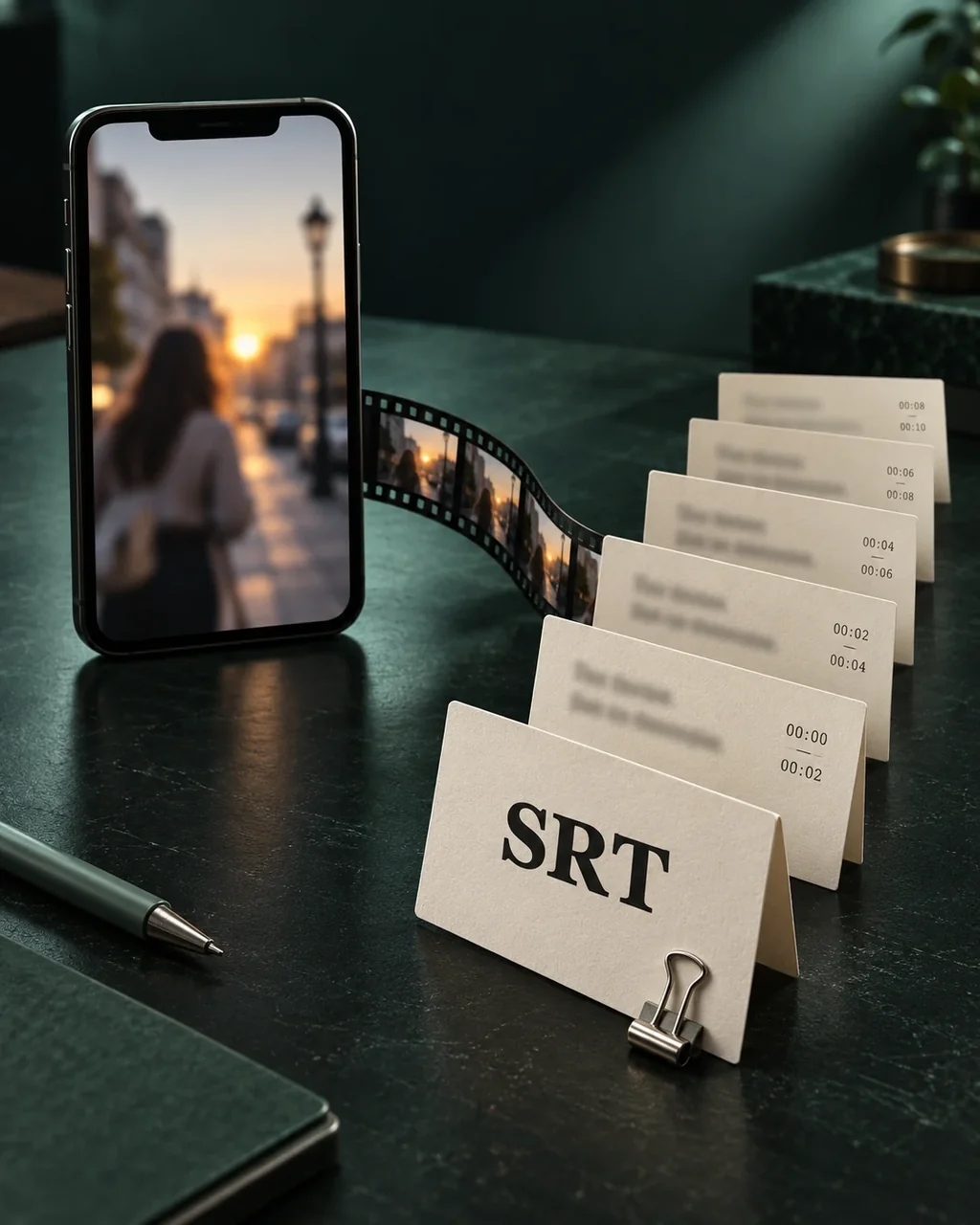
TikTok to SRT, without a video render
SRT keeps subtitle text and timing in a separate file. It is a handoff format for a caption workflow, not a new copy of the video with captions already burned in.
- Number, time range, subtitle text
- Each SRT cue contains a sequence number, start and end timestamps, and the transcript text. Review timing as well as recognition errors before using the file.
- Keep styling in your destination tool
- The export does not carry TikTok fonts, colors, caption placement or animation. Your destination editor controls presentation; its import behavior needs to be checked there.
TikTok to SRT example
Inspect the cue numbers, start and end times, and text in this subtitle sample. Download the SRT to inspect its file structure, or switch formats to compare the same words.
Illustrative speech
- 00:00:00.100
Leave a little room above the subject.
- 00:00:02.500
Keep the camera still while they speak.
- 00:00:05.100
Watch the whole clip before you export.
TikTok SRT subtitle sample
1
00:00:00,100 --> 00:00:02,300
Leave a little room above the subject.

2
00:00:02,500 --> 00:00:04,900
Keep the camera still while they speak.

3
00:00:05,100 --> 00:00:07,700
Watch the whole clip before you export.
Illustrative text and timing written for this demo, not a user's result or a verified TikTok transcription. This sample does not verify compatibility with your video editor.
How to convert TikTok to SRT
Submit the public video URL
Use a single TikTok video link. No video upload or local media download is needed for this link-based workflow.
Proofread subtitle cues
Read the cue text and compare it with the video. You can correct wording, but cannot move cue boundaries or edit timestamps here.
Download the SRT file
Choose SRT in the result actions. Import the file into your destination tool and check timing and display before publishing.
Only submit content you have the right to process. Review recognized words and timestamps before using or publishing the result.
Before you start
Does TikTok to SRT preserve the original caption style?
No. SRT contains numbered text cues and timestamps, not TikTok caption design, effects or a video track. Styling and burning captions into a video happen in another tool.
Can I use this SRT in CapCut or Premiere?
The output is an SRT subtitle file. Imports into specific CapCut or Premiere versions have not been tested here, so compatibility is not guaranteed. Check your editor's current import support and review a sample before relying on it.
What does the free trial include?
No signup is required for one attempt per IP address each UTC day, for a video up to five minutes. A failed attempt still uses that allowance. Signed-in users with credits use one credit per started minute, for videos up to two hours. Credit packs do not require a subscription.
How long can I reopen the result?
Anonymous results can be reopened in the original browser for 24 hours using the task link. Sign in and explicitly save the current result to add it to history. Signed-in trial results are accessible for seven days and paid results for 30 days. Download files you need before access expires; these are access limits, not a promise of immediate physical deletion.